How to create a basic game
Scratch tutorial
Design your own game from step by step instructions.
LEVEL

開発環境
SCRATCH

Before we start…
What does a typical game needs?
Let’s use the following game as an example:
First, the player (us) needs to be able to control something.
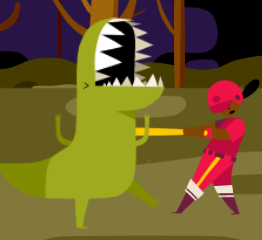
In the game above, the player is the girl who is holding a bat.

Second, game objects are needed to react to the player.
In the game above, these game objects are the random items that rush towards the girl.
Most of the game need a winning/losing condition the end the game.
In this game, the player gains a point when he/she hits an object.
The player lose when he/she fails to hit the objects.
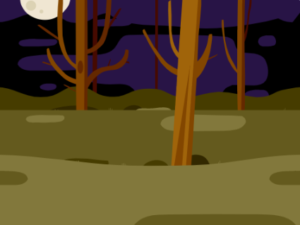
A good background gives a better mood to the game.
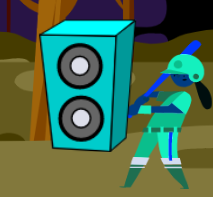
Good sound effects adds better mood to the game as well.
In this game above, 3 sounds are heard:
1. Background thunder storm
2. Monster’s sound when hit by the bat
3. Bell sound when lose

Create your game
Create your own game step by step!
First, choose a sprite you want the player to control with.
Second, game objects are needed to react to the player.
In the game above, these game objects are the random items that rush towards the girl.
Most of the game need a winning/losing condition the end the game.
In this game, the player gains a point when he/she hits an object.
The player lose when he/she fails to hit the objects.
A good background gives a better mood to the game.
Good sound effects adds better mood to the game as well.
In this game above, 3 sounds are heard:
1. Background thunder storm
2. Monster’s sound when hit by the bat
3. Bell sound when lose

Hint & Answer
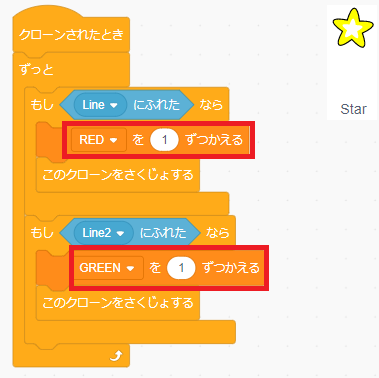
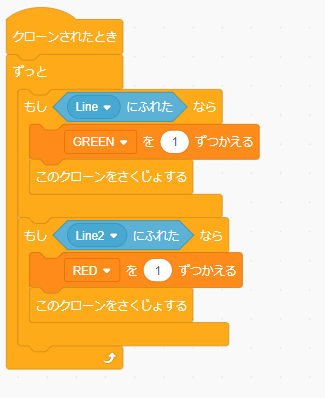

Challenge
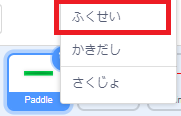
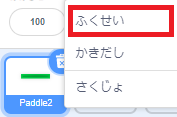
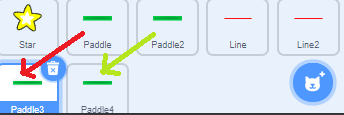
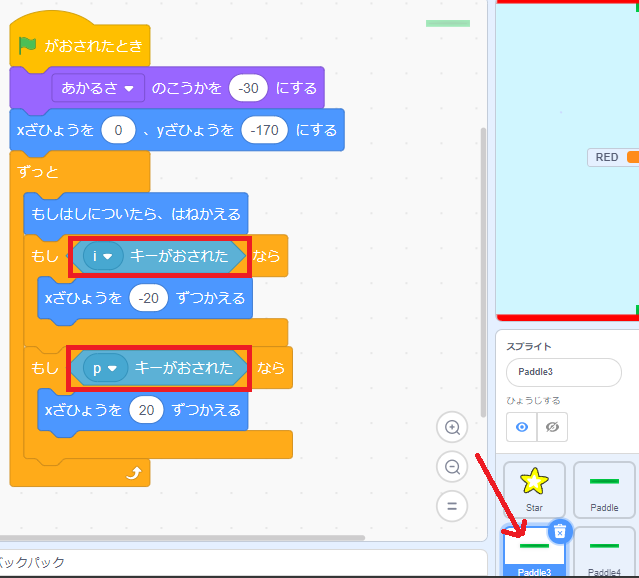
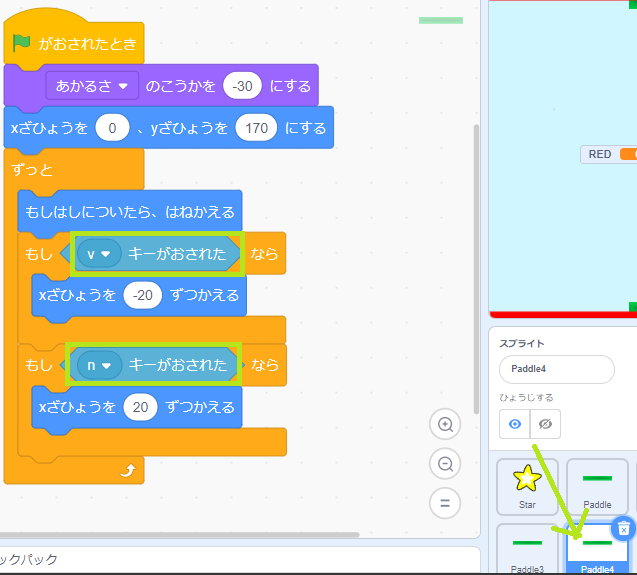
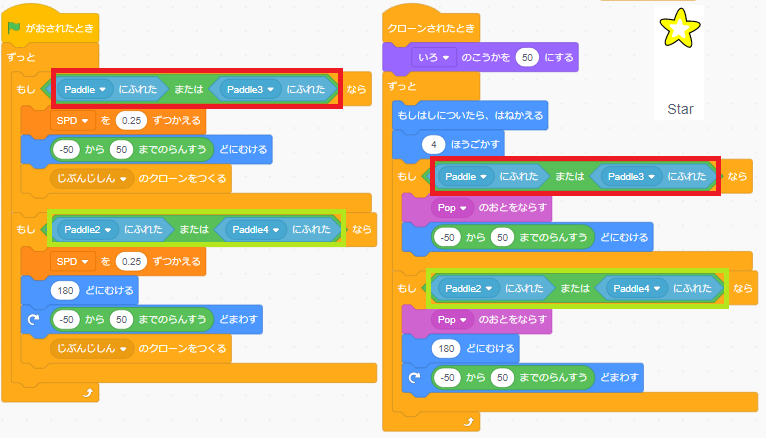
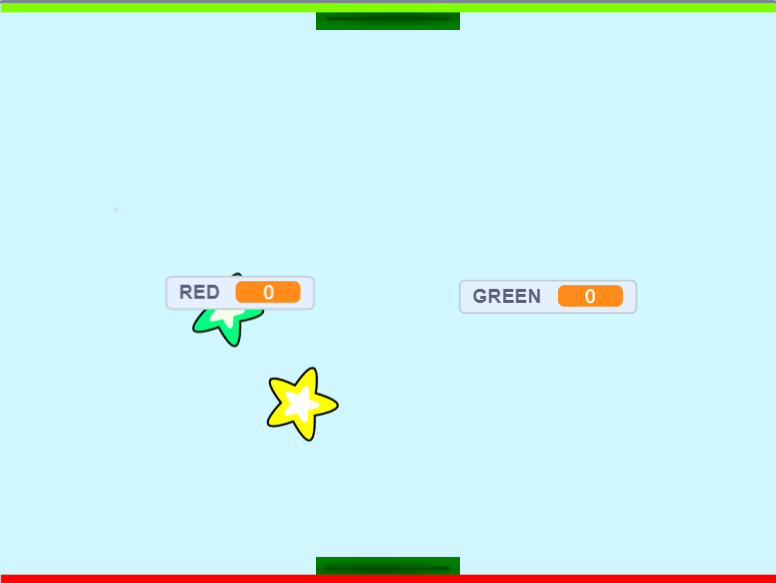
Try turning the game into a 4 players hockey game!