
(Appearance)
(ブロック崩しゲーム)
(Learn how to control sprites’ appearance.)
LEVEL

ENVIRONMENT
Scratch


Message
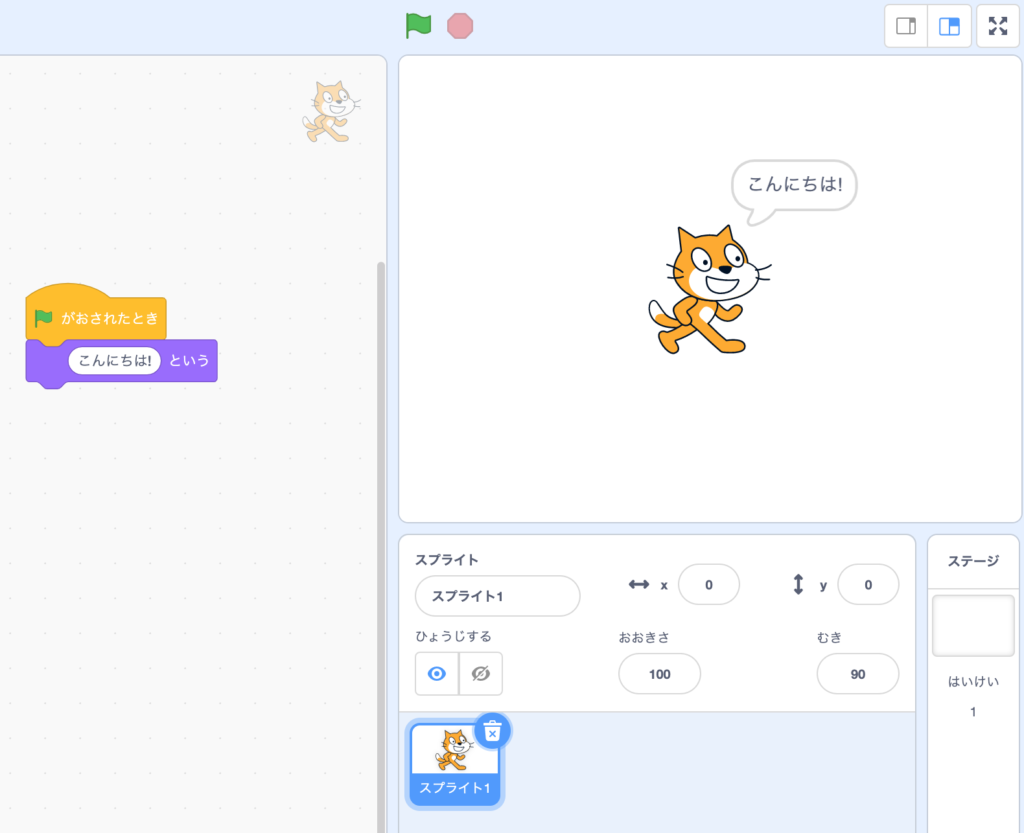
1. 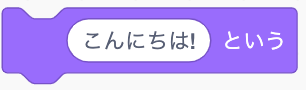 Display dialog until the game finishes.
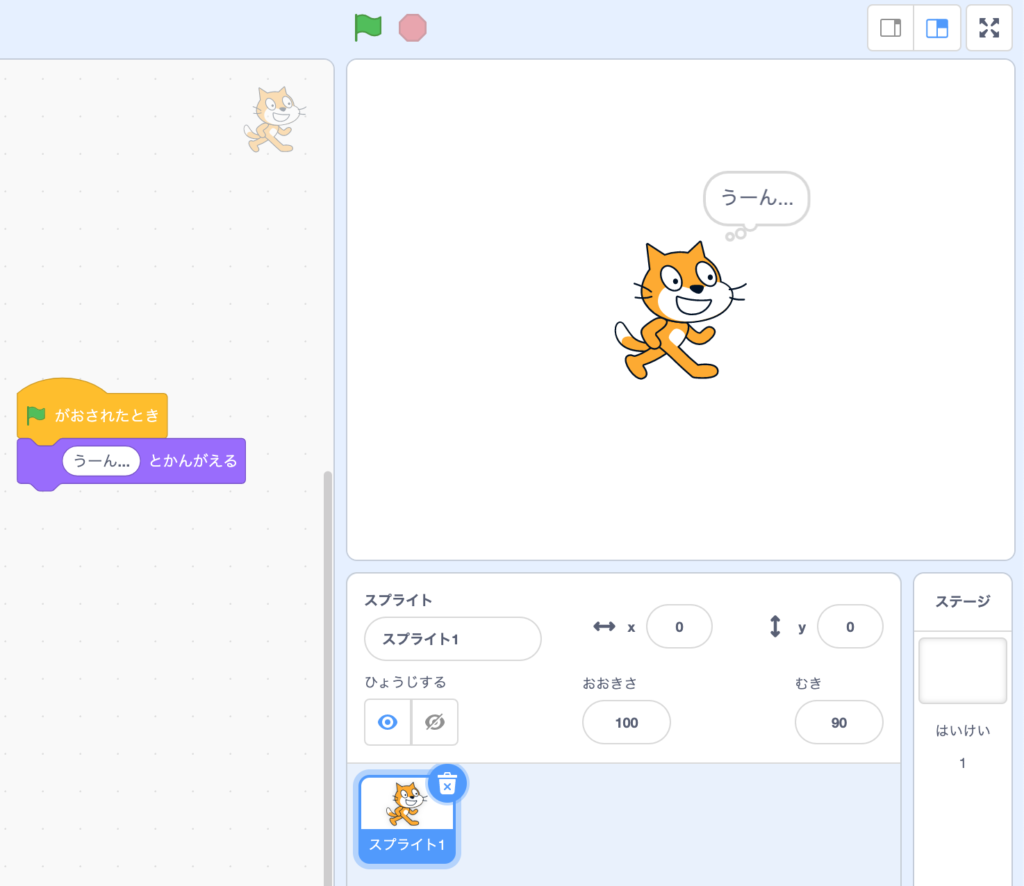
2. 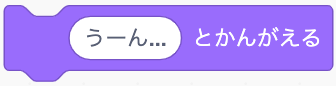 Display cloud dialog until the game finishes.
Same as the constant message, but it pauses for the assigned time period until the next code.



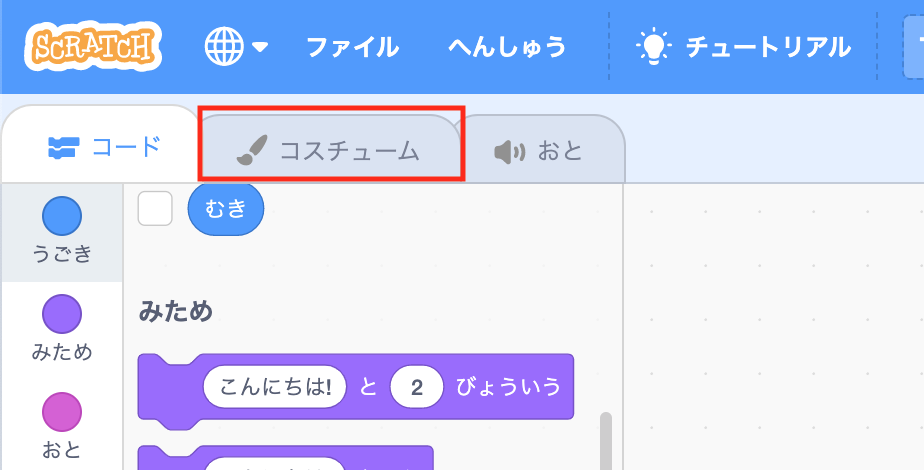
Costume
Costume in Scratch means how does your sprite looks like.
Same as your closet at home, a sprite can have many different clothes to change.
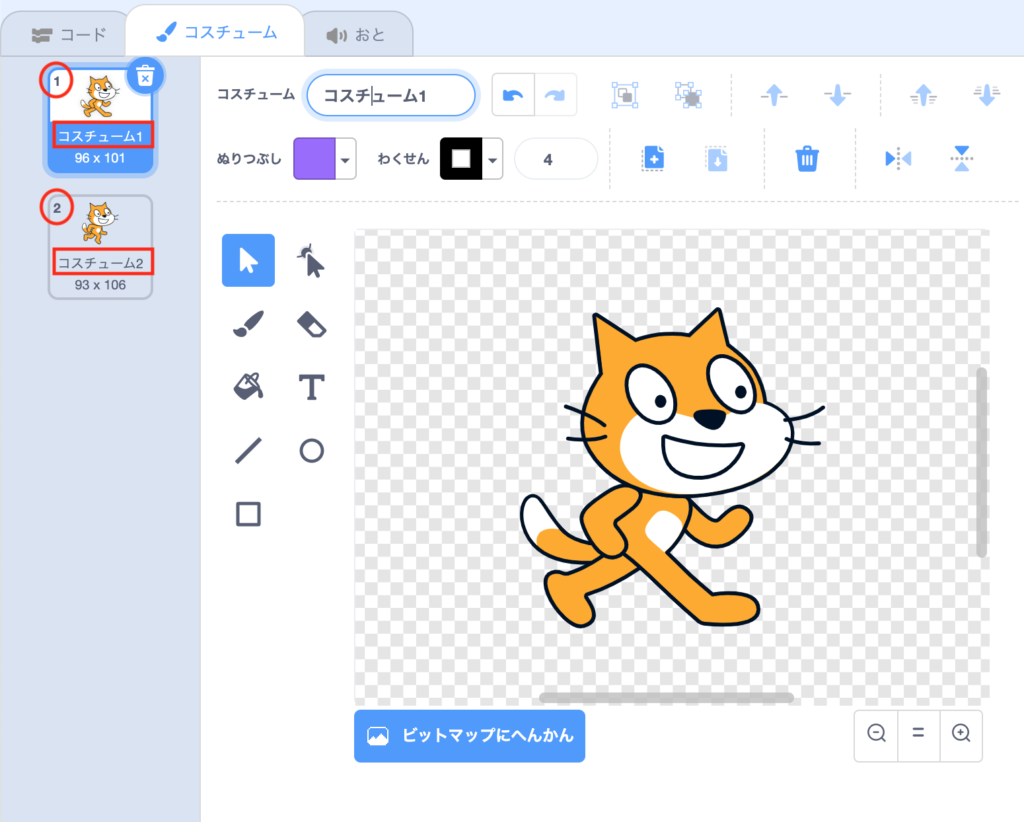
Each costume has its own name and number.
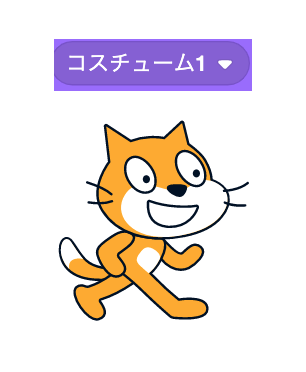
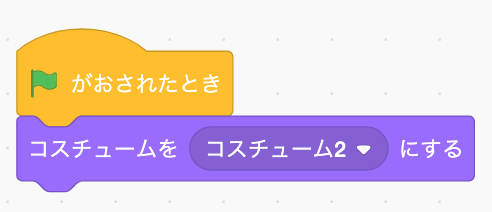
 : Assign costume to the sprite by costume name
 ->
->  ->
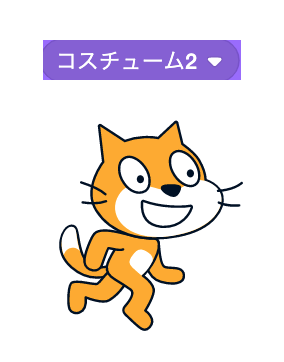
-> 
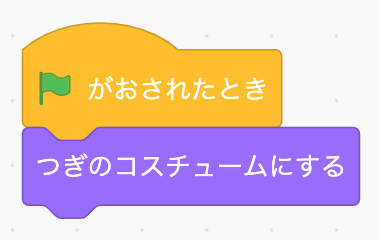
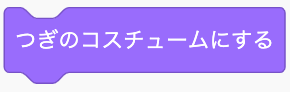 : Assign the next costume on list
-> 
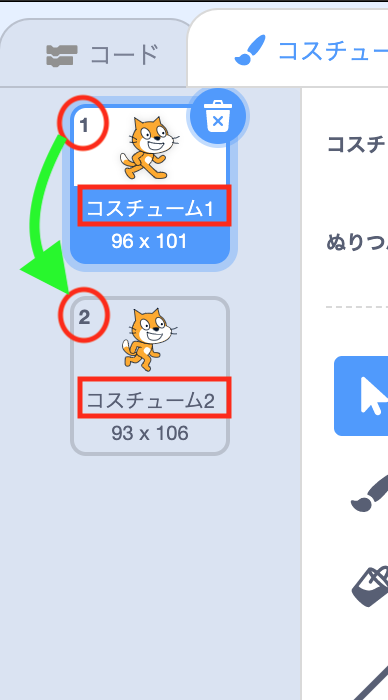 ->
->

Size
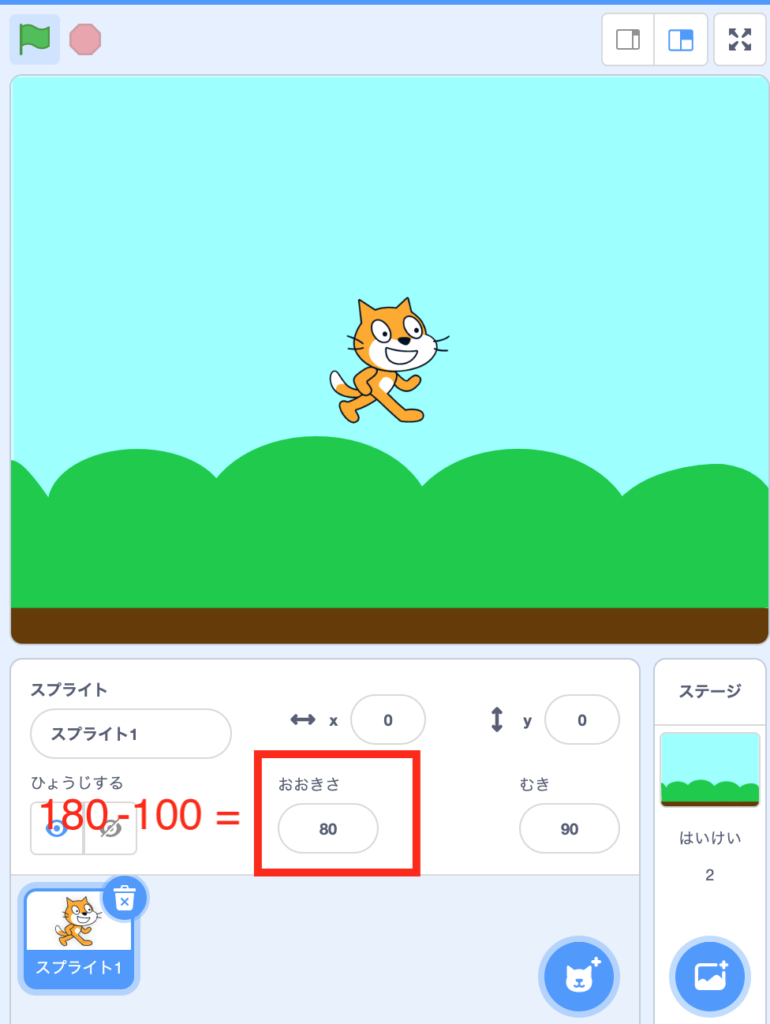
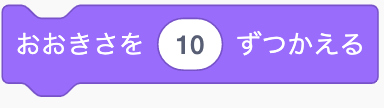 : Add/Minus assigned amount of size to/from your sprite.
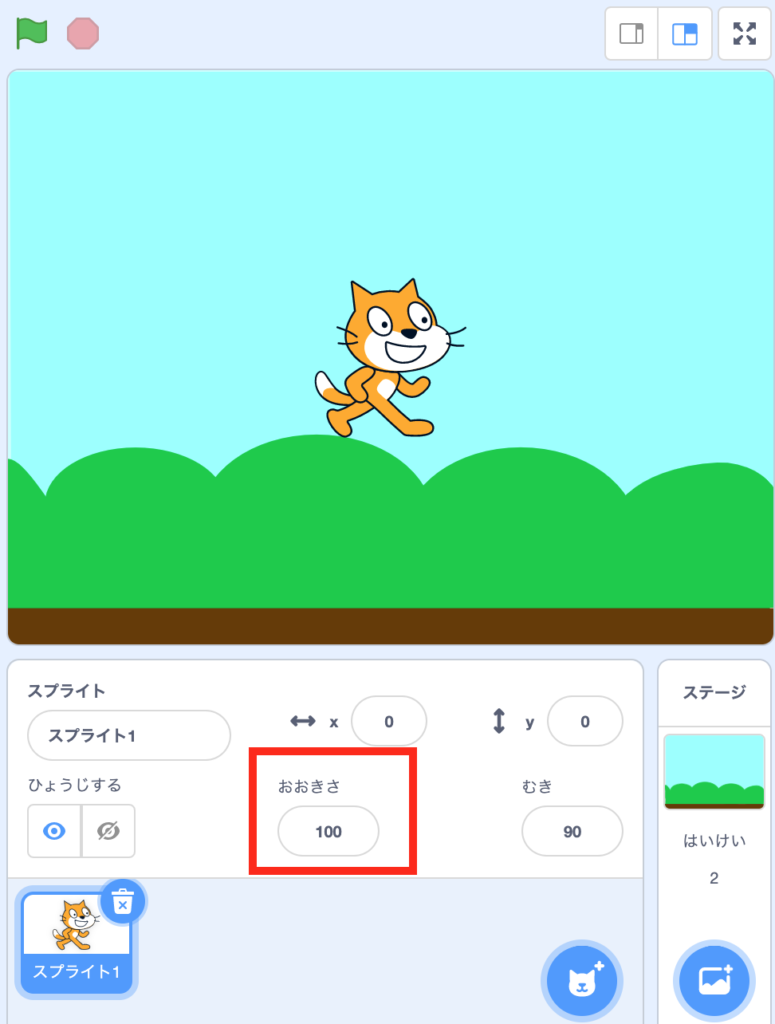
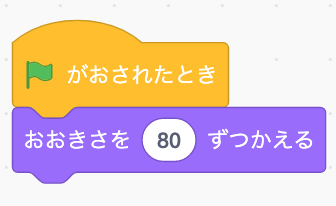 ->
-> 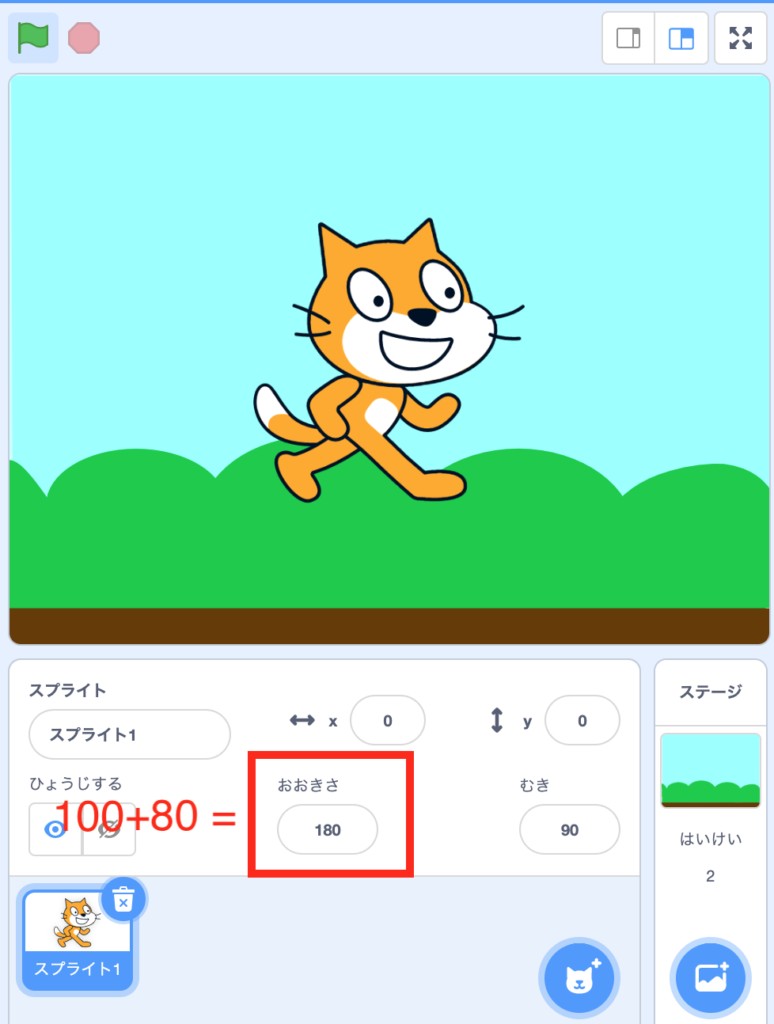 ->
-> 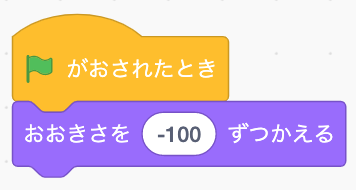 ->
-> 
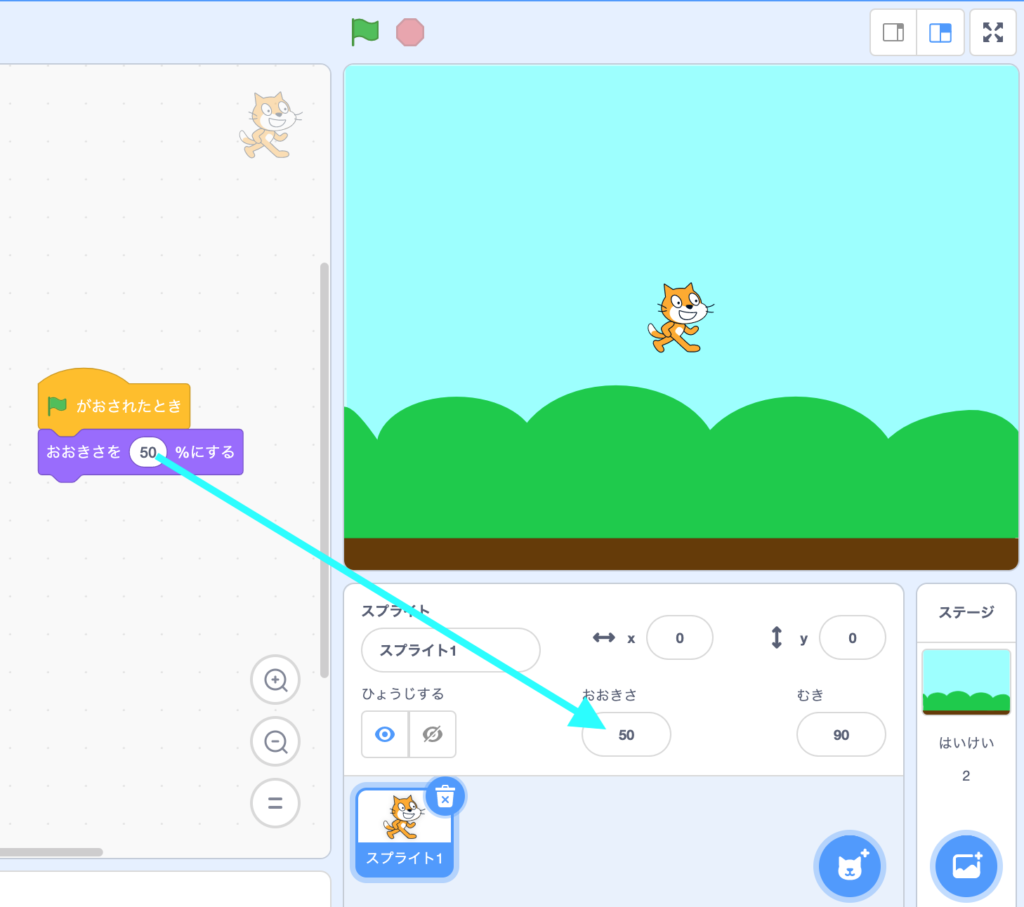
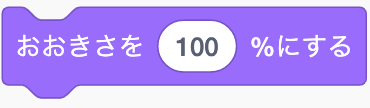 : Set the assigned value to your size.
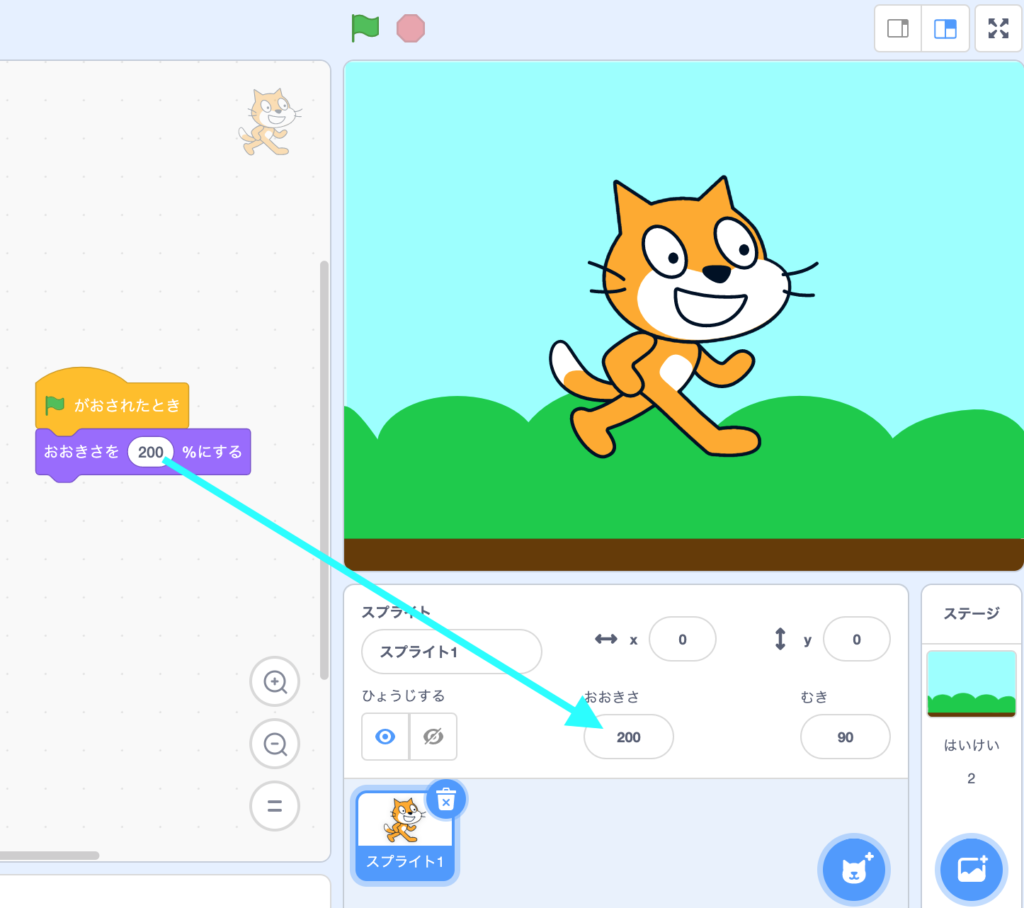

Hide/Show
 : Hide the sprite.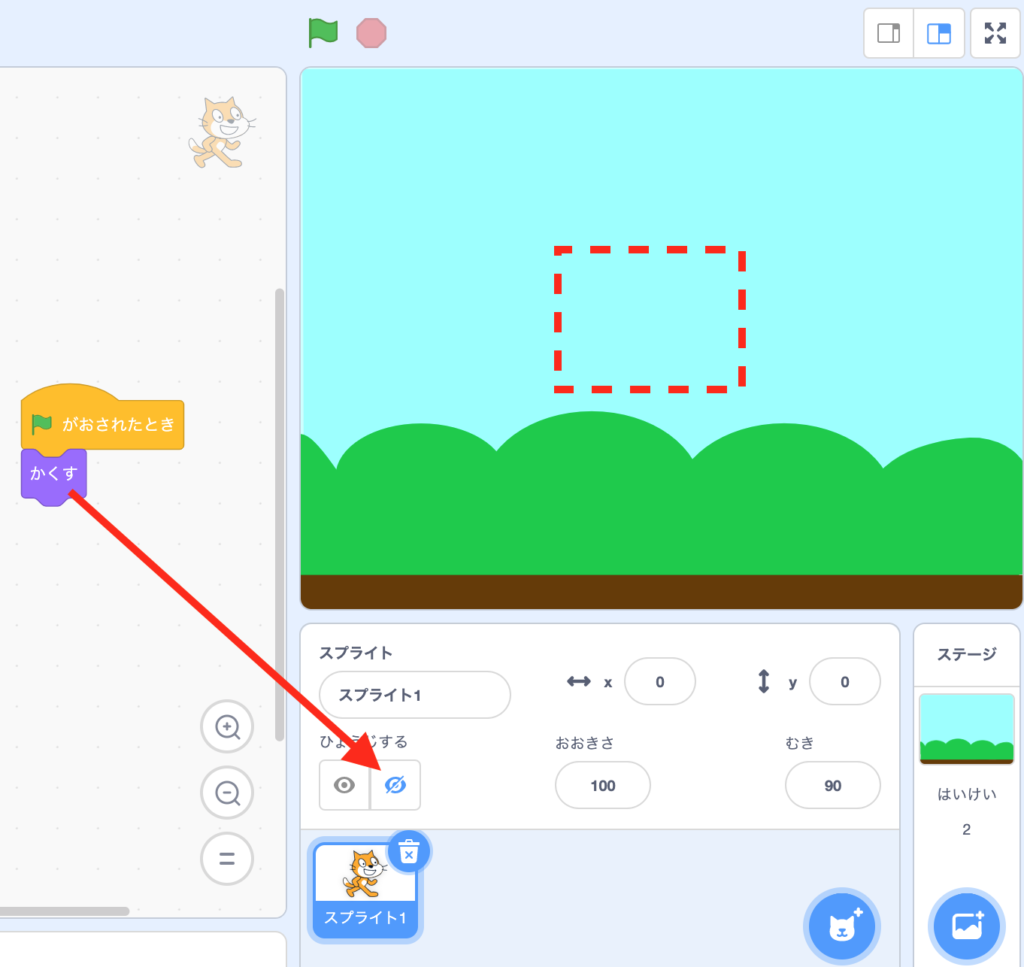
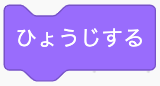 : Show the sprite.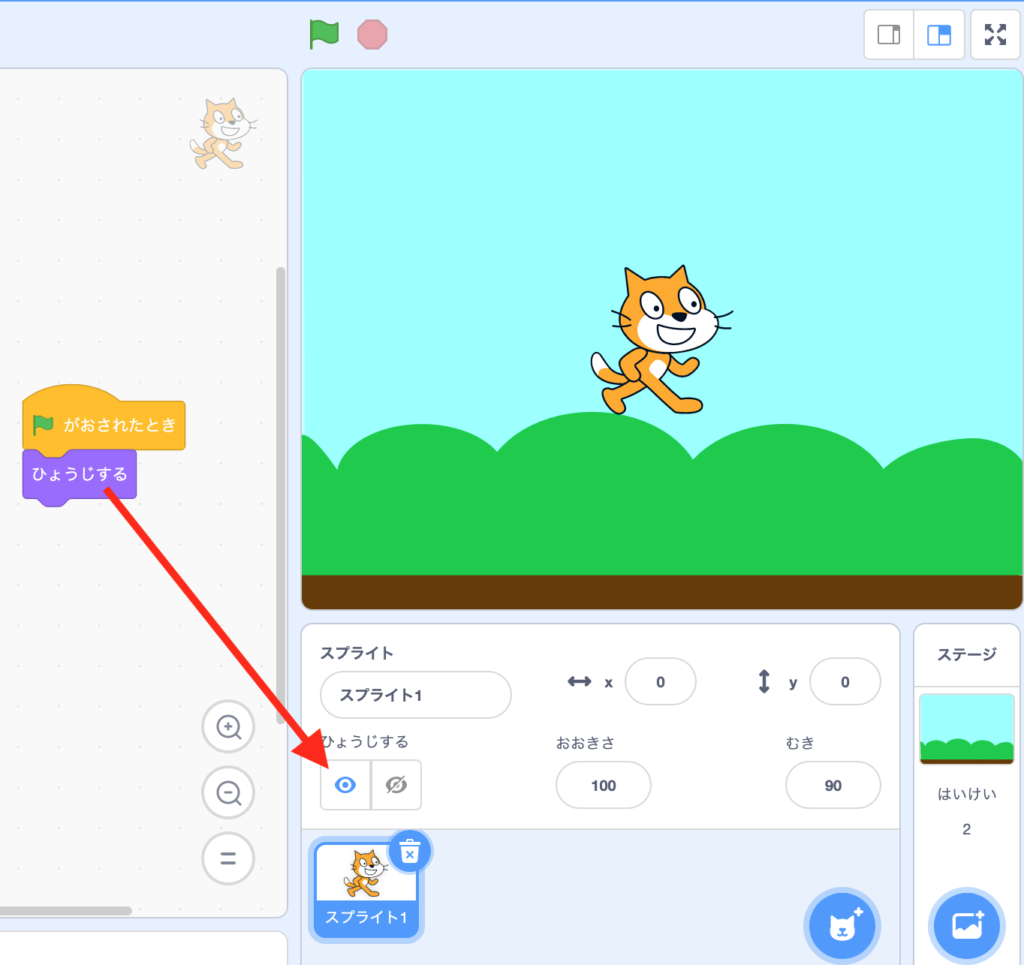

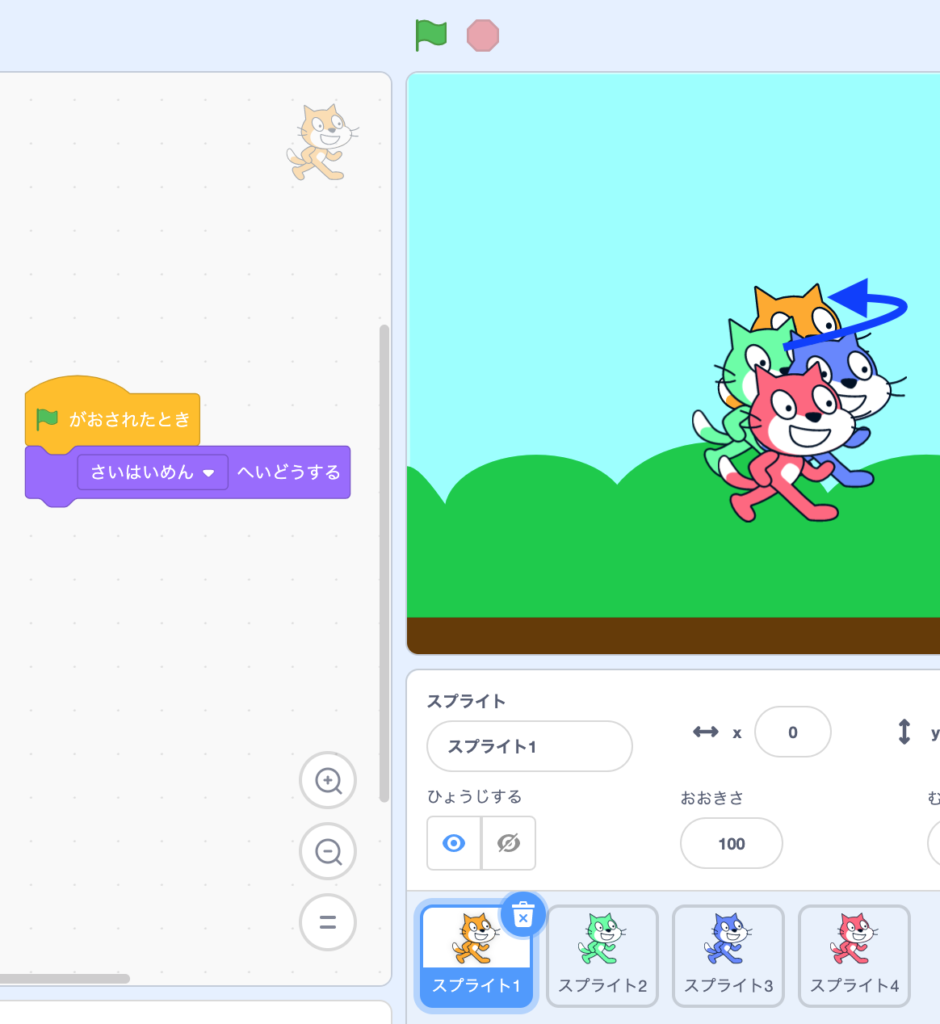
Layers
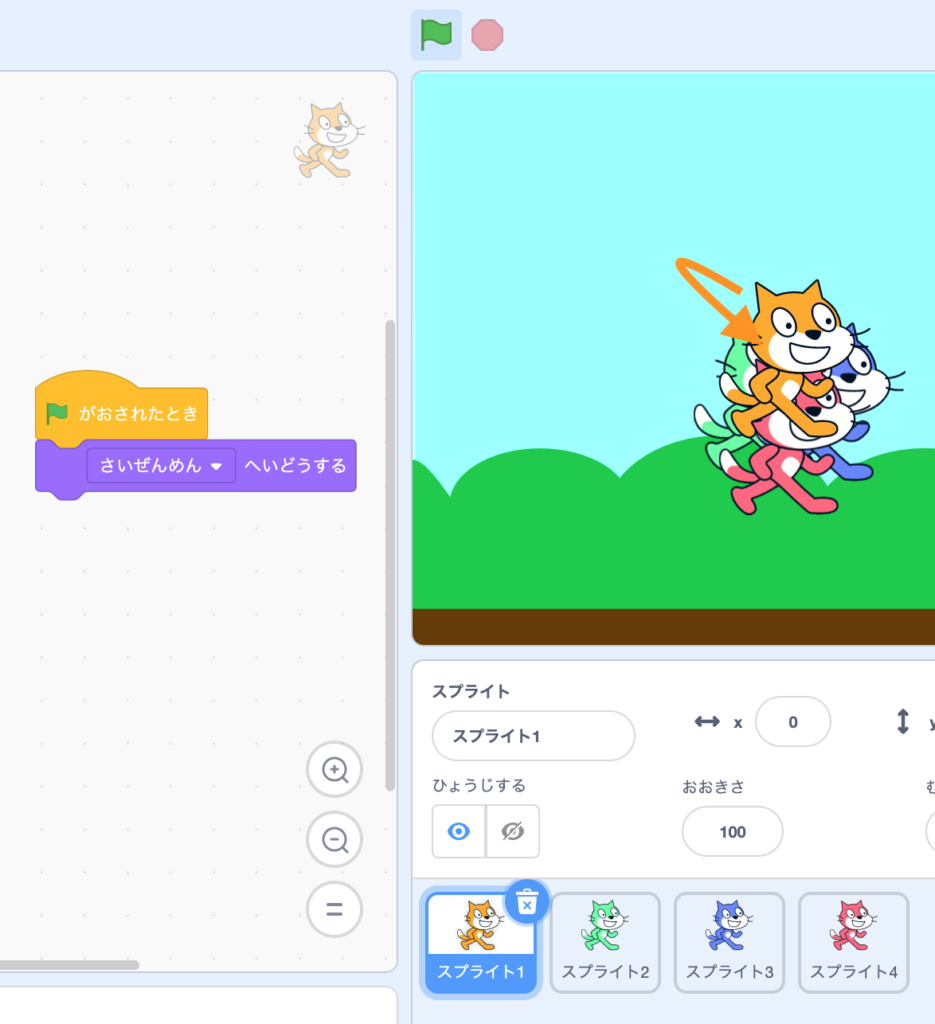
Often times, sprites stack up with each other.
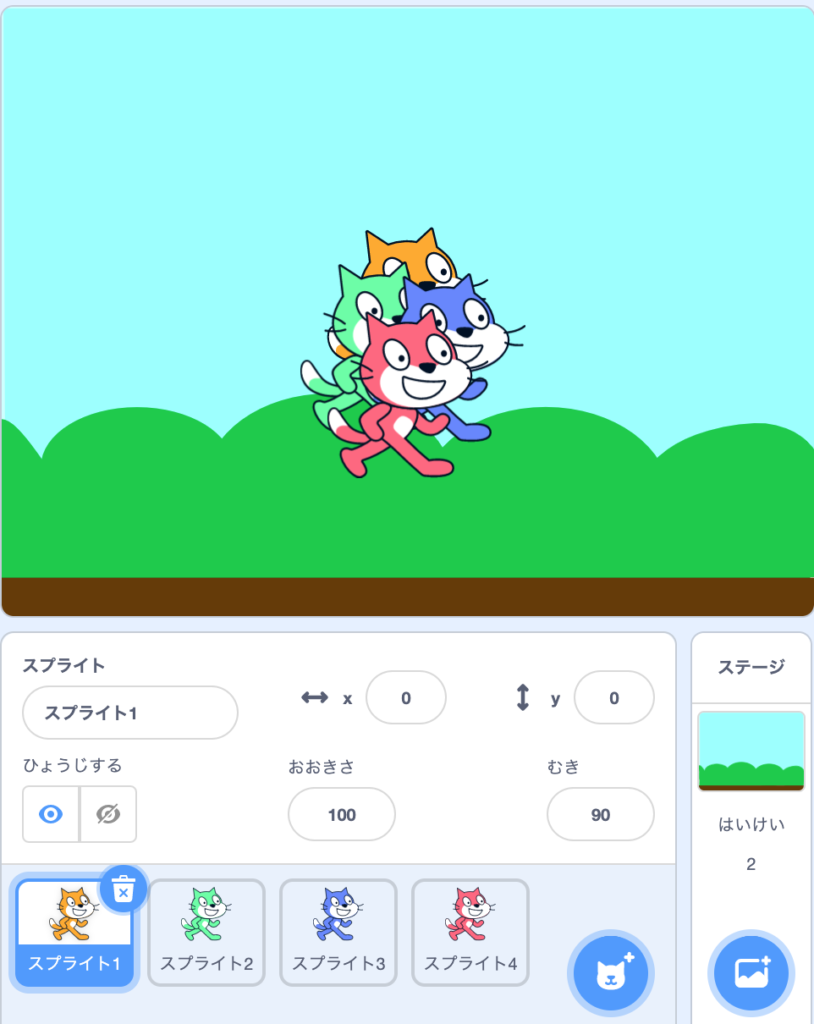
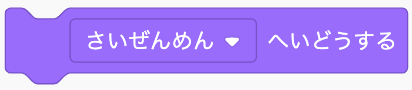 : Bring your sprite to the frontmost.
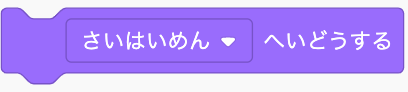 : Bring your sprite to the backmost.
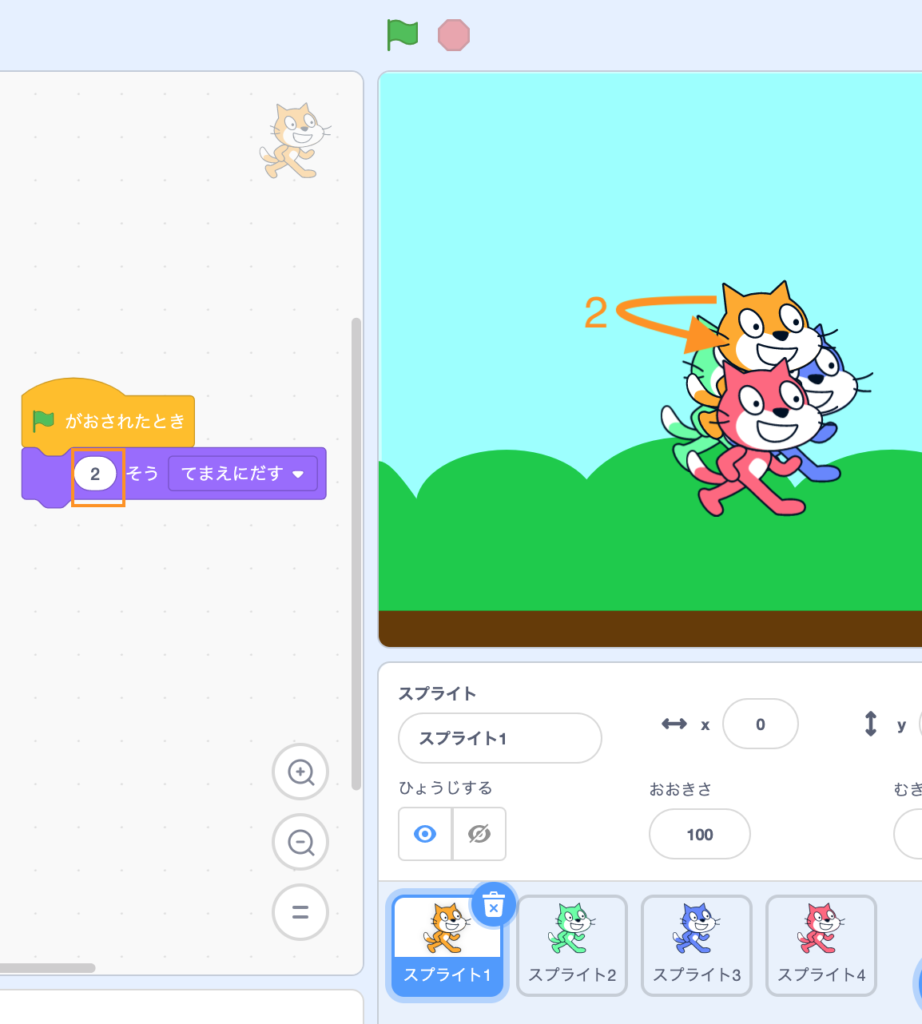
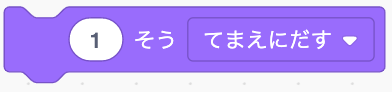 : Move frontward by assigned number of layers.
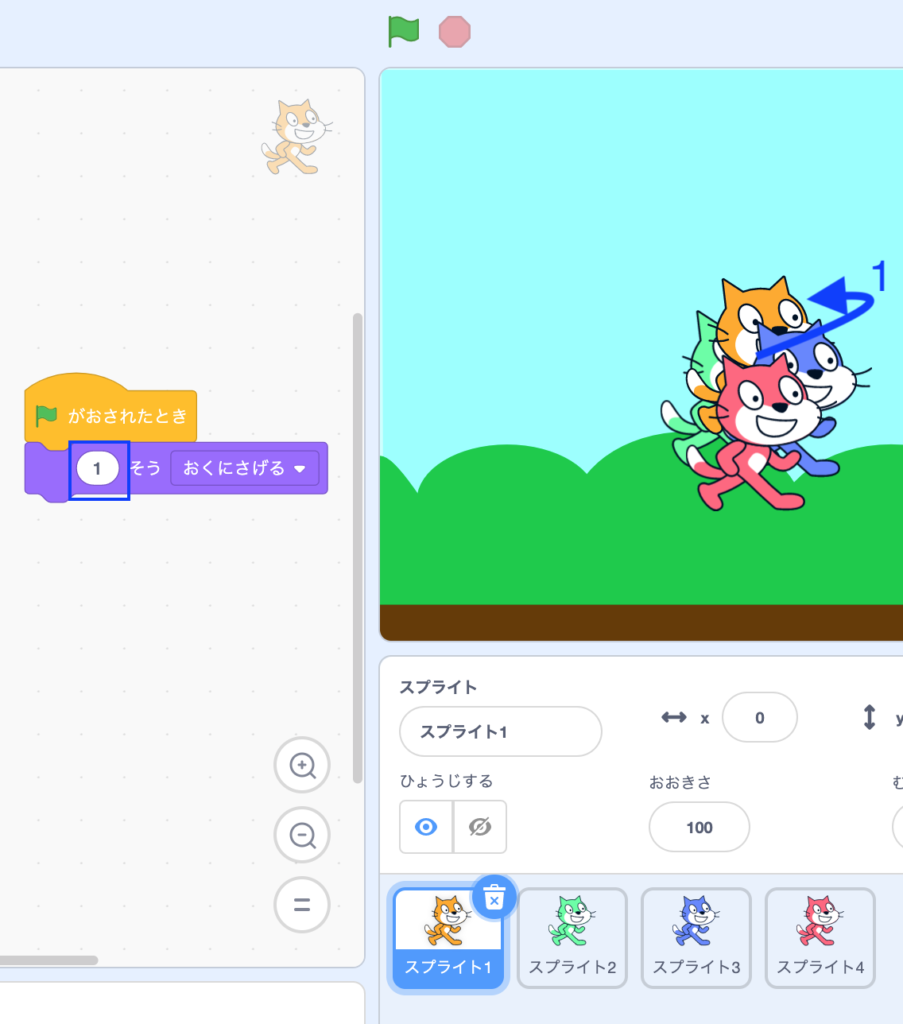
 : Move backward by assigned number of layers.

Try it yourself!