(Events)
(ブロック崩しゲーム)
(Learn to use event codes to control and to tidy up your program.)
LEVEL

ENVIRONMENT
Scratch

Starting Event
The most common type of event is 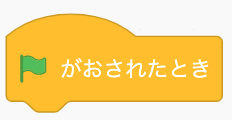 .
.
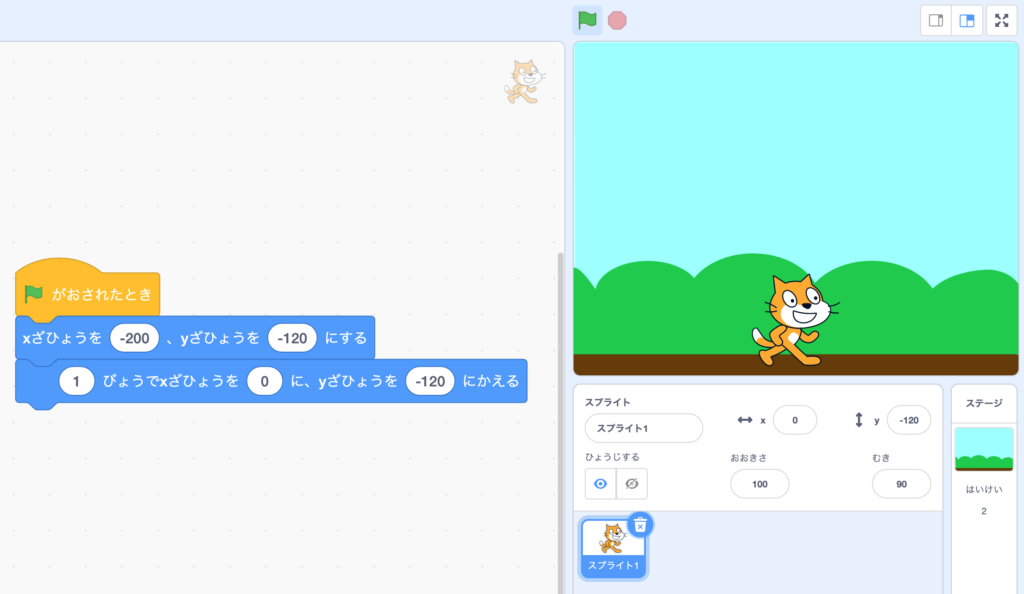
Clicking  will run any codes below this event.
Clicking the won’t do anything
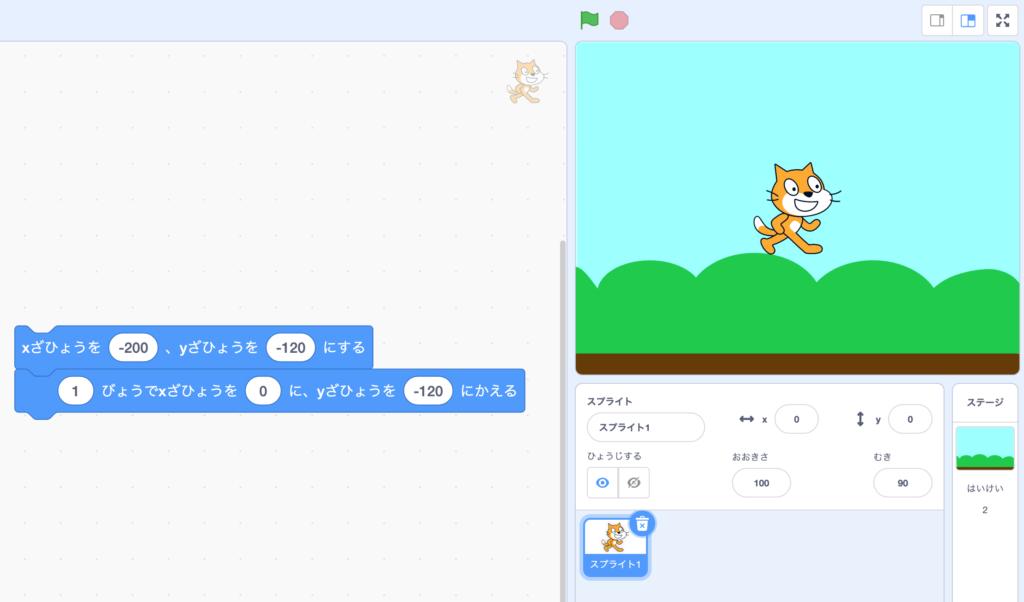
Until is added.

Conditional Event
- 1. Main types of input events
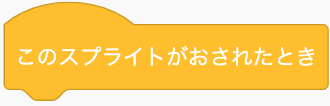
- 2. "When the sprite is clicked"
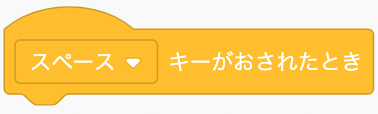
- 3. "When 'space' key pressed"
- 4. Multiple events
Conditional event happens when a certain input is detected:
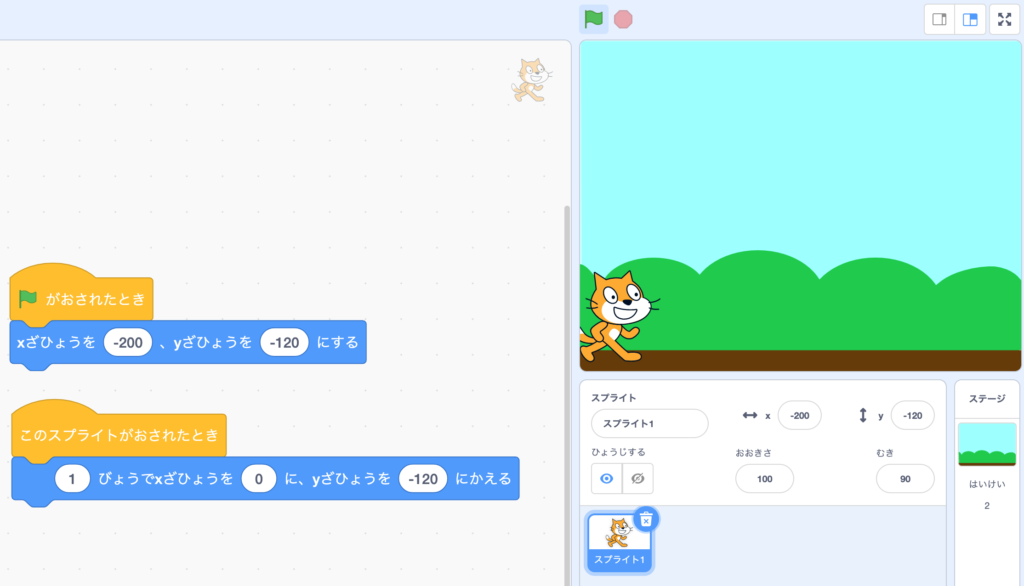
1. When the sprite is clicked:
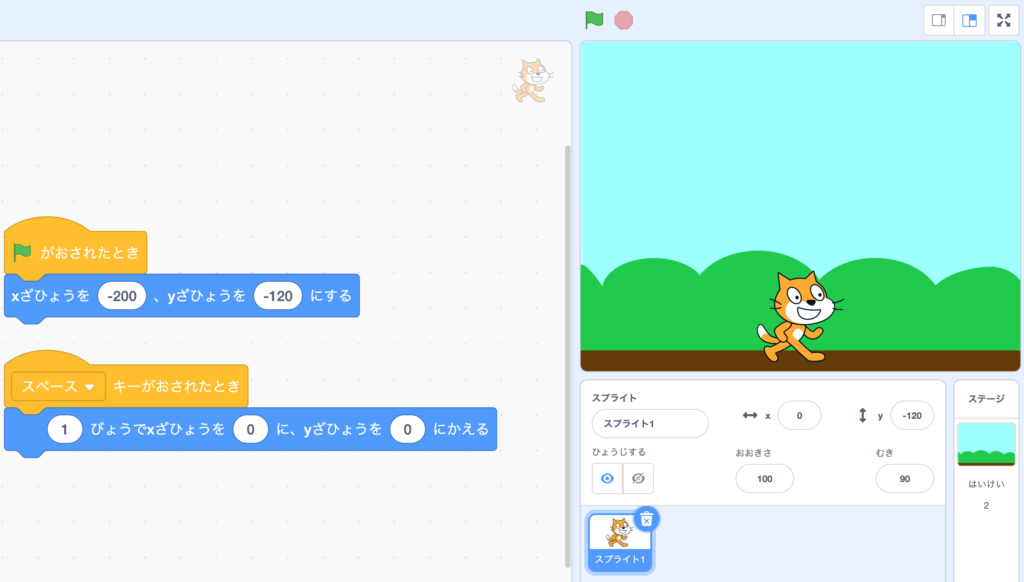
2. When a certain key is pressed (in this case “space key”):
The cat won’t move until it is clicked.
The cat won’t move until space key is pressed.
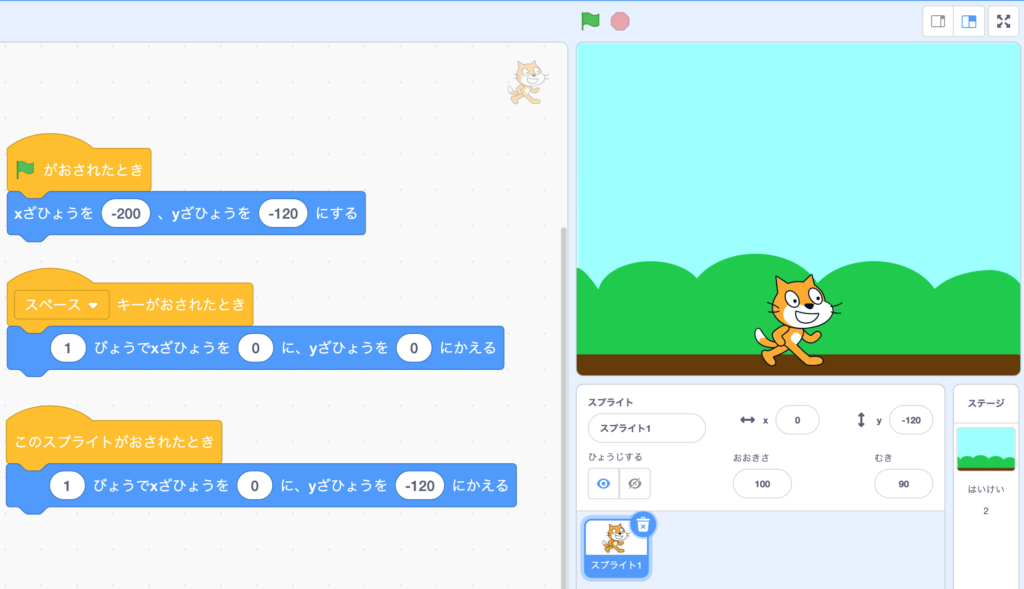
You can put more than one events into the sprite.
In this case:
Clicking cat = Move to the right
Pressing “Space” key = Fly to the middle

Message Event
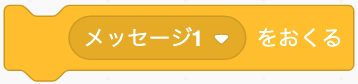 is the code to send a message signal.
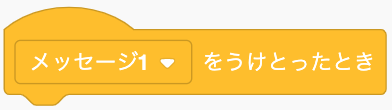 is the event code to receive a message signal.
They must be used in pairs.
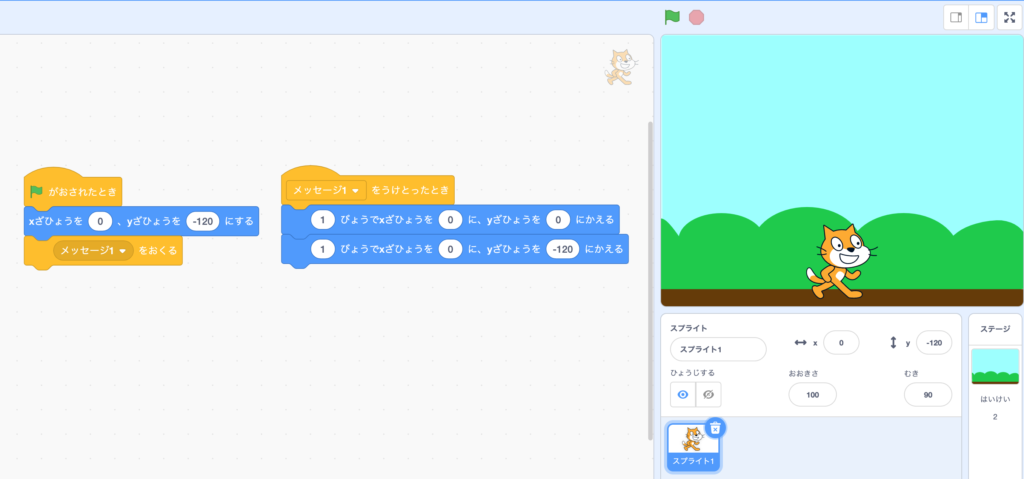
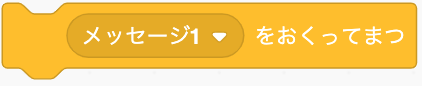 is the code that
1. Sends a message signal;
2. Wait until the receiving event finishes;
3. Comes back to the code that follows it.
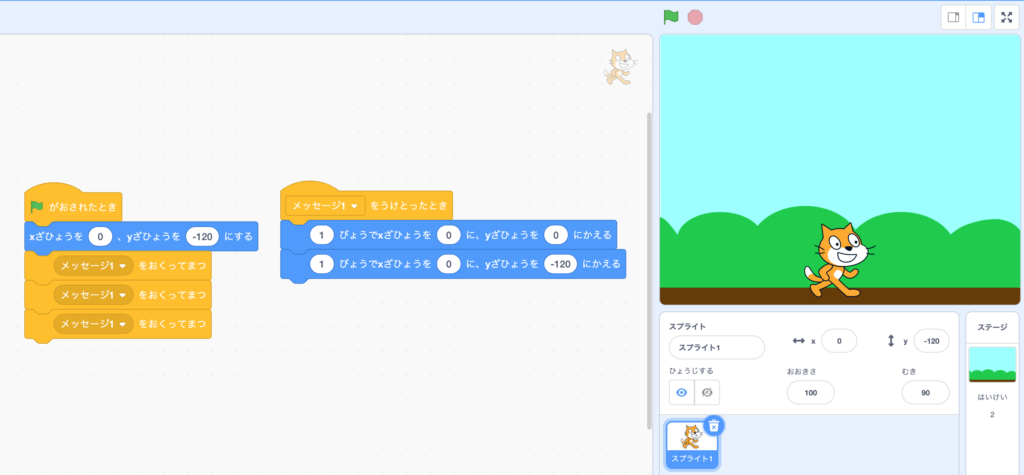
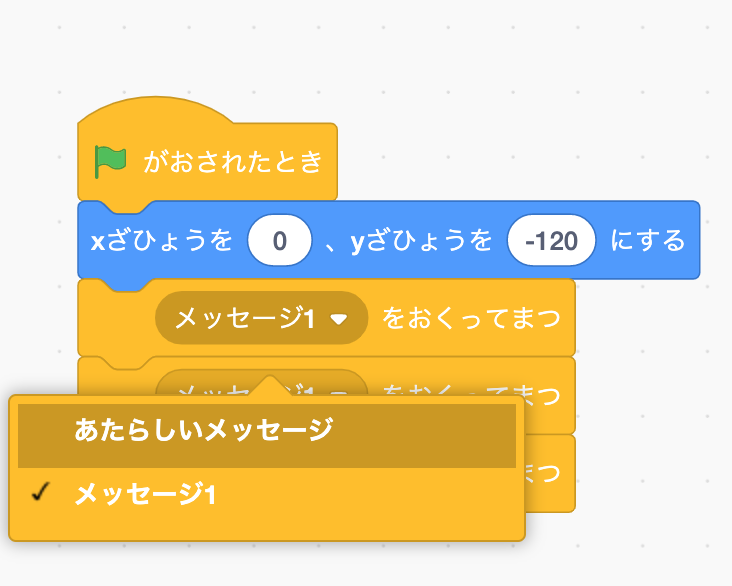
(Runs the “Message 1” 3 times.)
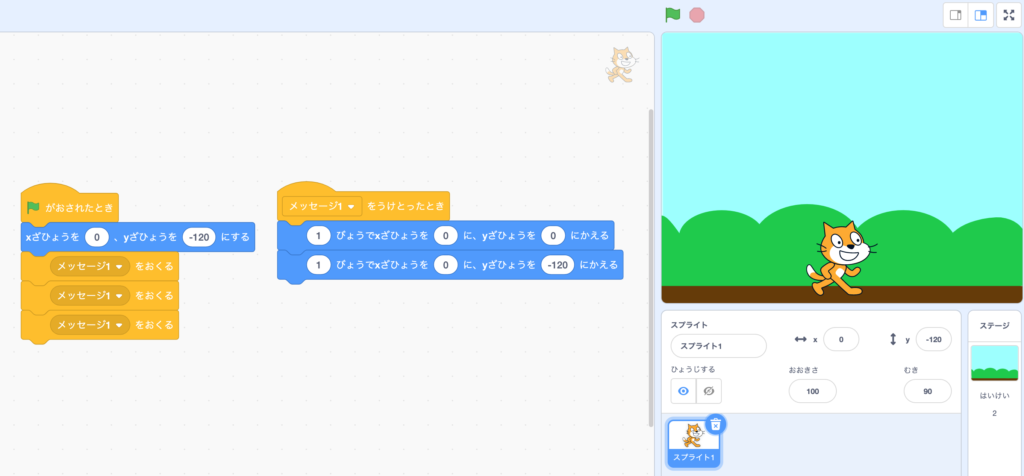
(Runs “Message 1” only once because it doesn’t wait.)
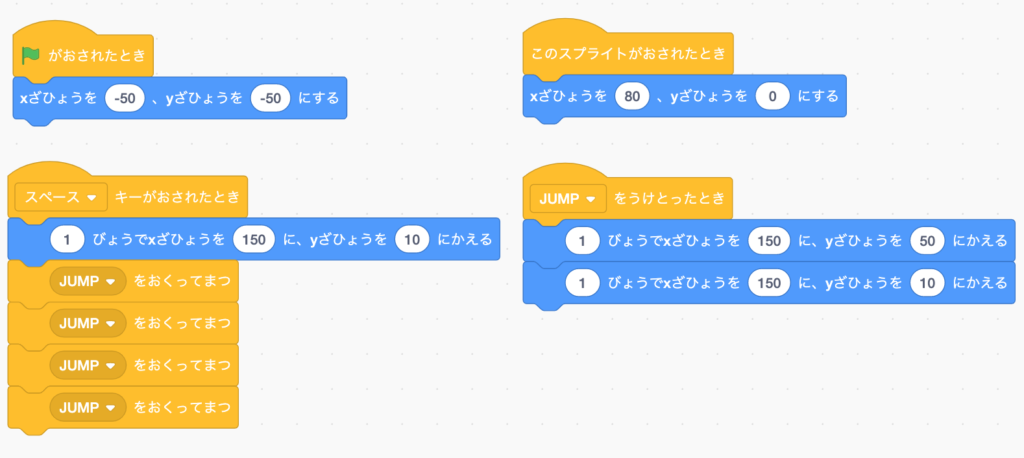
Name your message to make things clear.
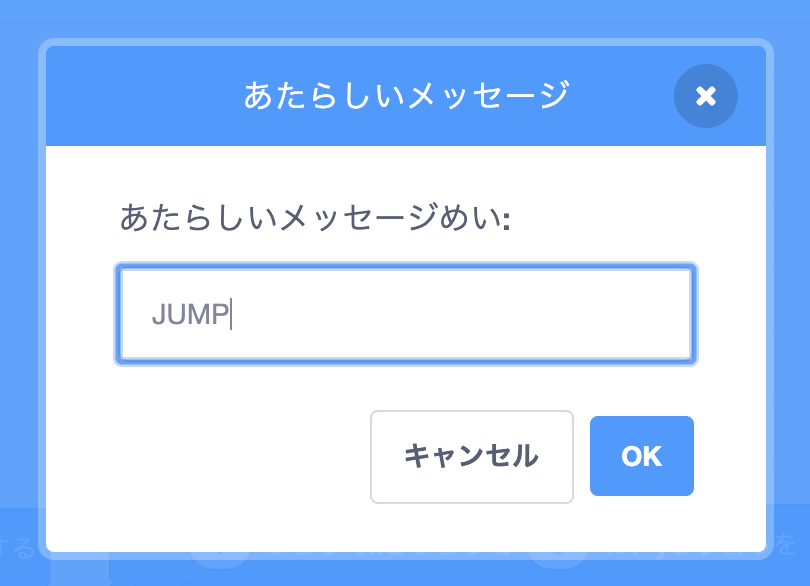
Make sure you receive the right message.
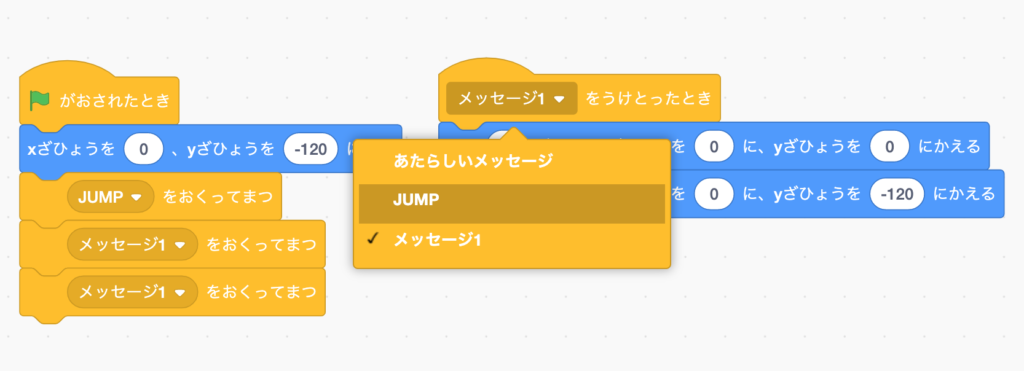
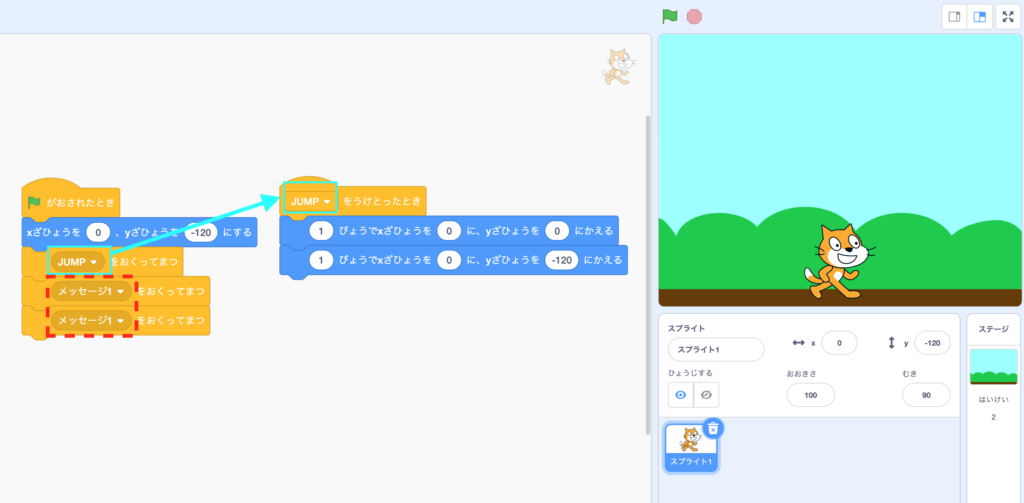
Since “JUMP” is sent only once, the cat will only jump once.
The two “Message 1” has no receiving event, so they do nothing.

Try it yourself!
Open a new project.
Switch your stage to “Room 2”.
Add a new sprite that you prefer.
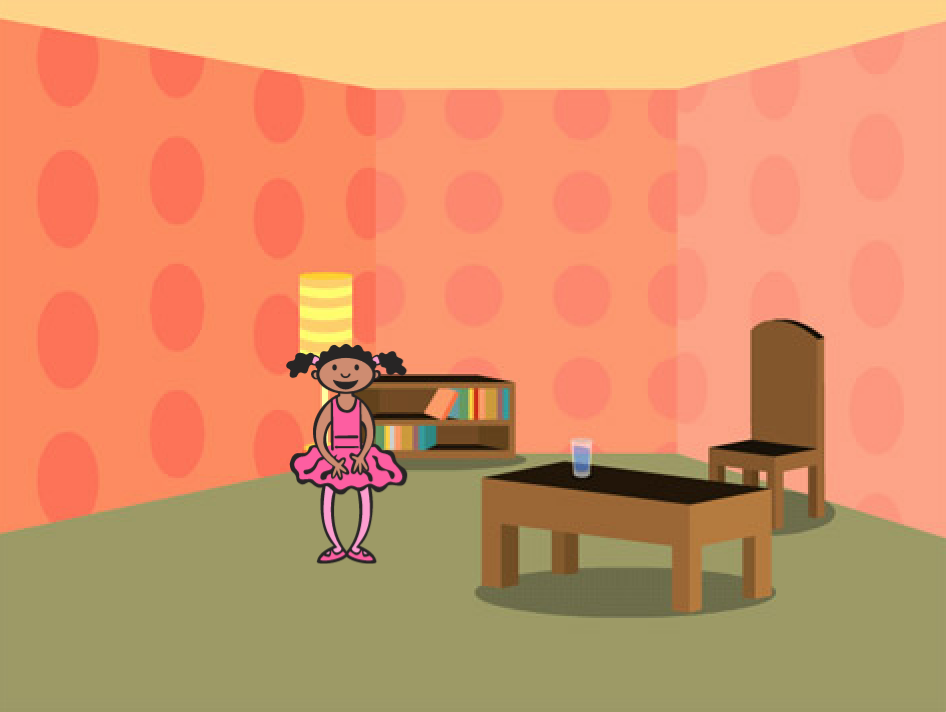
Your program should do the following:
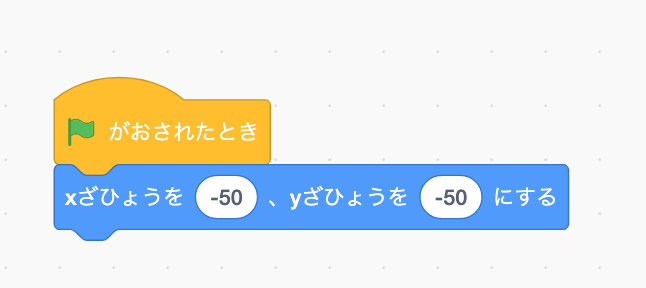
1. When is clicked, the sprite you chose should be on the ground.
2. When your sprite is clicked, it should be standing on the table.
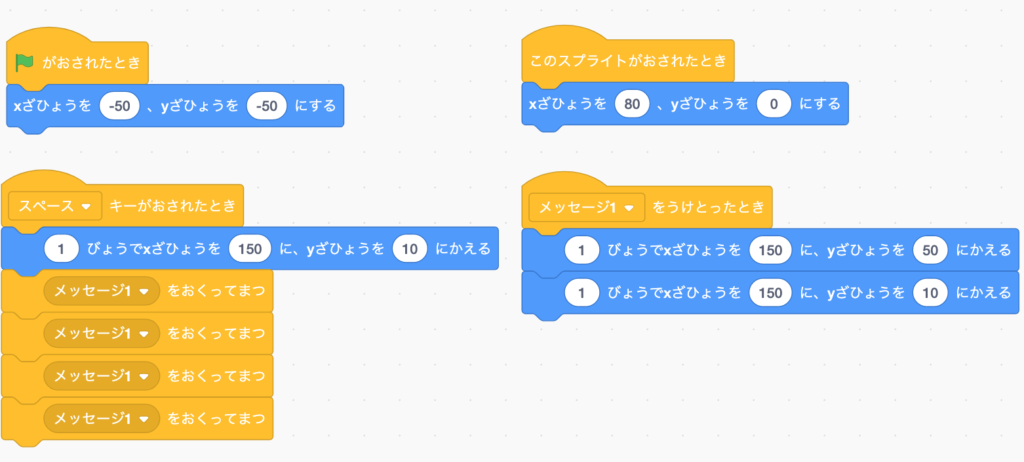
3. When you press “Space” Key, it should be standing on the chair, and jump 4 times up and down.
4. Your event message should be named.
1.
2.

3.
4.