ELEMENT COURSE – SCRATCH –
Programming Concept
Learn the If concept in programming.
LEVEL

開発環境
SCRATCH
1. What is “If”?
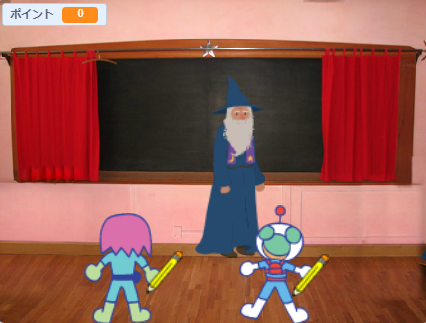
Again, let’s start with a daily life example to explain what “If” is:
You are having an exam in school.
“If” you focus on your exam (Hit “SPACE”) you get points.
“If” you cheat (Hit “C”) you get caught!
Note: Press the green flag to restart the demostration.
Note2: Do not cheat in school!
When we use “If” in programming, “If” is able to:
Reads the condition => Shows the right result.
Case 1: “If” no key is pressed => Nothing happens. Point stays Zero. 
Case 2: “If” “SPACE” is pressed  => Score goes up
  , Smiley face
 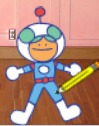 when reached 100 points
Case 3: “If” “C” is pressed  => Immediately caught by teacher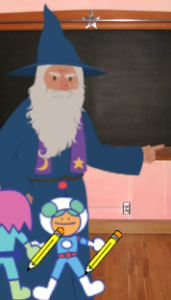
2. Look into the code!
In Scratch, there are 3 types of “If”. They are:
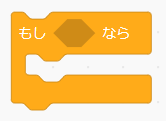
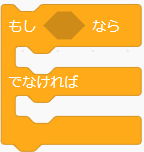

They are all “If” functions but slightly different than each other.
The boy is trying to catch the falling egg.
If the egg falls on the right side  ,
,
then the boy goes to the right 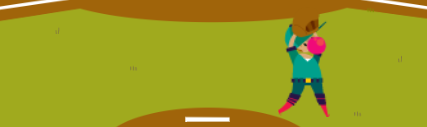 .
.
If the egg falls on the left side  ,
,
then the boy goes to the left 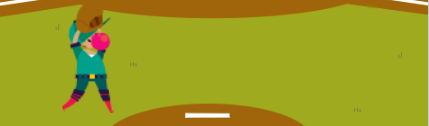 .
.
Let’s see how 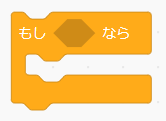 is applied in the code:
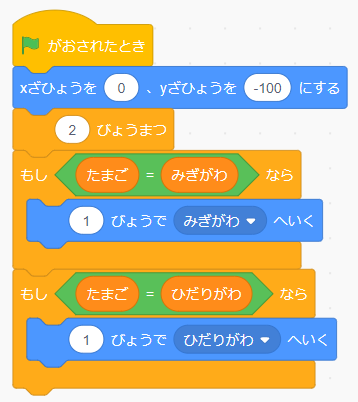
If the egg falls on the right side  ,
,
the boy will use 1 second to go to right side  .
.
If the egg falls on the left side  ,
,
the boy will use 1 second to go to left side  .
.
This is an exact same example with the previous one,
but with a different coding using :
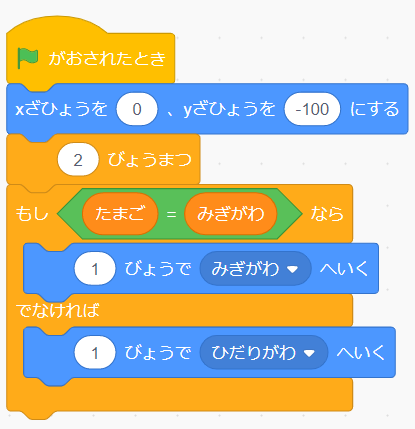
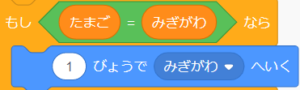
If the egg falls on right side,
then uses 1 second to go to the right side.
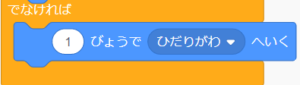
If the egg DOES NOT fall on right side,
then uses 1 second to go to the left side.
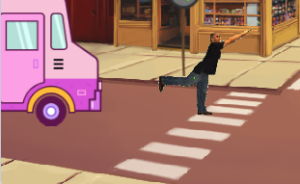
The guy wants to cross the road.
Let’s see how is applied:
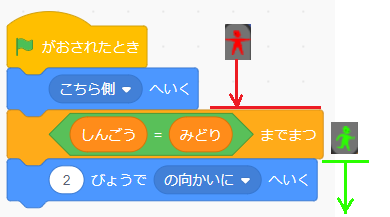
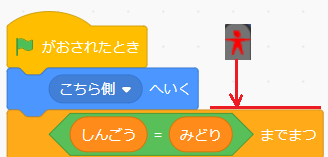
1. If the signal stays Red  , stay and wait on this side of the street.
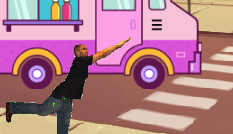
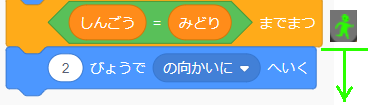
2. If the signal turns green  , walk across the street.
3. Do it yourself! (Coming soon)
Try making your own project using If .