ELEMENT COURSE – SCRATCH –
Loop cont.
Programming Concept
Learn more about Loop in programming.
LEVEL

開発環境
SCRATCH
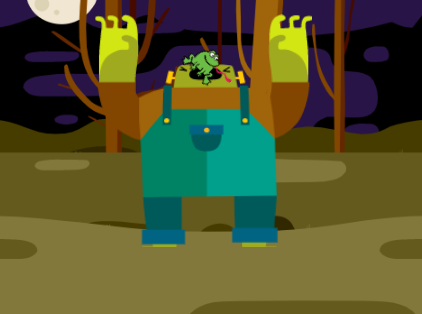
1. More “Loop”? What more?
(Make sure you have already had the earlier “Loop” lesson here:)
In the last “Loop” lesson, we learn that “Loop” 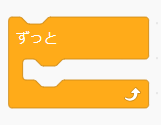 means to repeat something FOREVER.
But what if we want to repeat something for just little bit, not FOREVER?
How many times do you think the monster should eats in a day to stay healthy?
Answer: 3 meals a day is the best.
————————————————–
Case 1: If you chose  ,
,
the monster will keep eating FOREVER if we don’t stop him
(we stopped him at last  ).
).
Case 2: If you chose  ,
,
the monster will only eats 3 times and stop  .
.
——————————————
Compare with option, only repeats 3 times and stops looping.
We call the option as an example of “Conditional Loop”.
Once the condition is met (repeat 3 times  ), the monster will stop eating.
2. Look into the code!
In Scratch, there are few tools related to “Conditional Loop”:
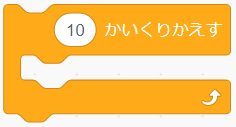
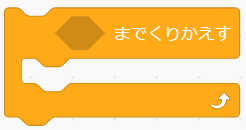


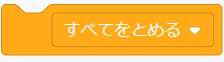
Let’s go through them one by one.
If you want to repeat something for a specific amount of times, use “Repeat … times”:
Let’s look at the example below.
How many times should we feed the starfish to make it happy?
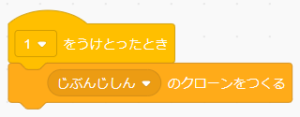
Case 1: 
 will clone once only:
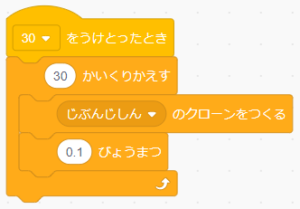
Case 2: 
will clone 30 times, wait 0.1 second between each clone:
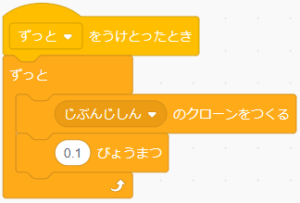
Case 3: 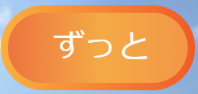
will clone forever, and wait 0.1 second between each clone:
If you want to repeat something until a certain condition is met, use this:
Example:
A newbie wizard is trying to turn a donut into a flying hippo.
The wizard will keep trying to put spell on the donut 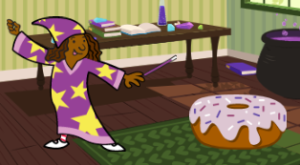
UNTIL the donut turns into a flying hippo  :
:
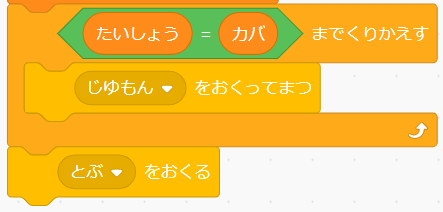
Once the donut turns to hippo, the hippo will fly away 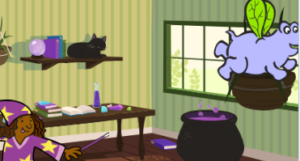 .
.
If you want to stop all the sprites and finish the program, use this:
Here is the code of the example:
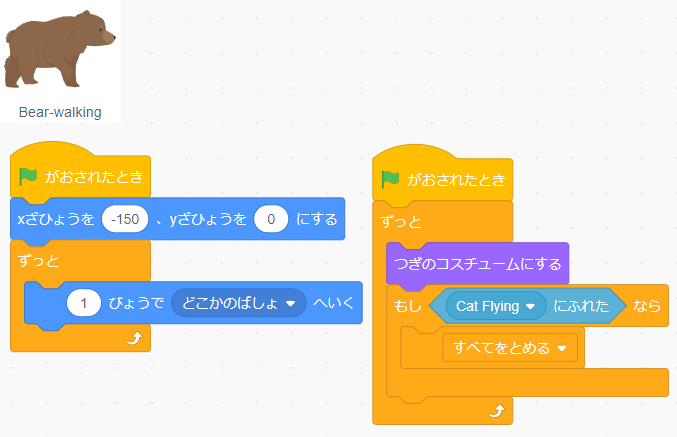
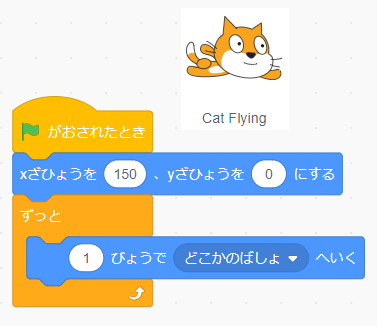
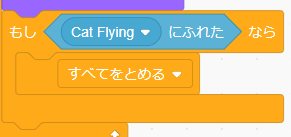
Once the bear touches the cat,
ALL the scripts will be stopped:
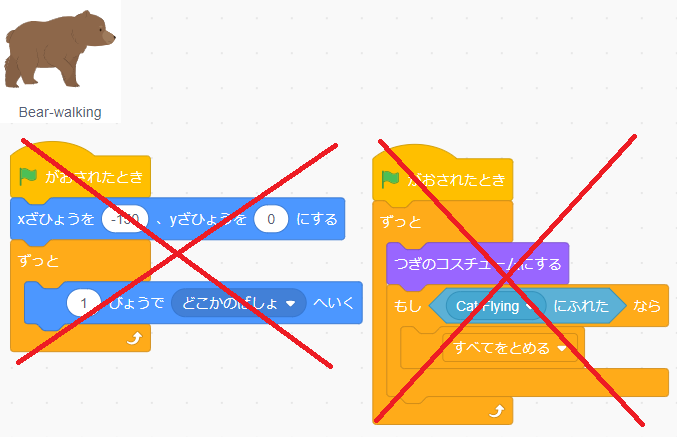
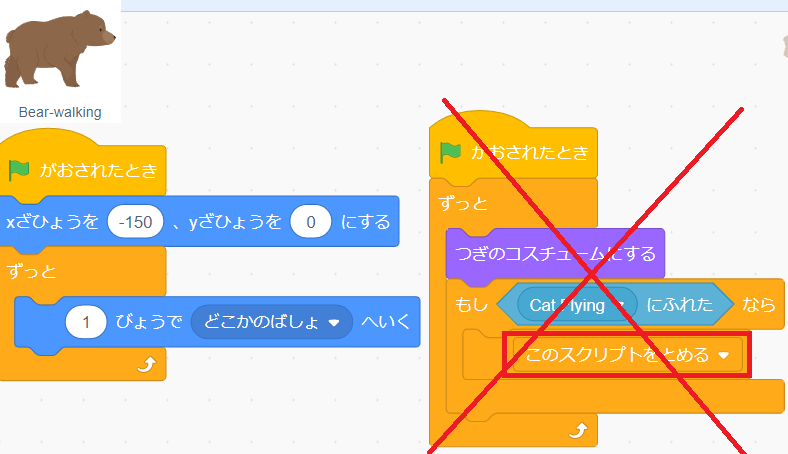
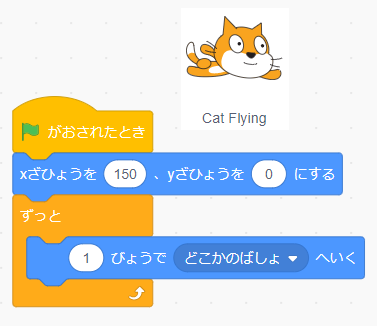
If you want to stop a specific script running, use
This is an exact same example but using
When we use 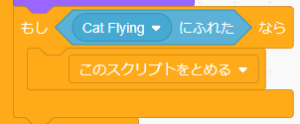
it stops only the script that this block is in:
If you want to stop anything else but just one script, use
This is an exact same example but using
When we use 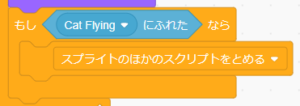
it stops everything within the sprite except the script this block is in:
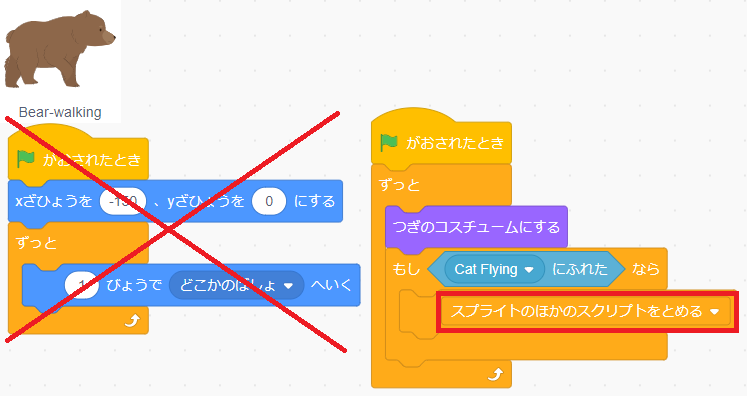
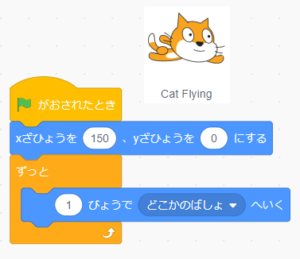
Note that only within the sprite is affected, meaning Cat’s sprite is not affected.
3. Do it yourself! (coming soon)